For lawyers and legal teams: Lexcordia — Your AI, your tools, your way of working.
Made more practical.
Several AI models and your colleagues, around one case file.
The idea
Nothing to replace.
Everything to connect.
Lexcordia sits alongside what your firm already uses.
Your AI
Claude, GPT, Gemini, Mistral: the ones you already have access to, gathered in one place.
Your tools
Your legal AI stays yours: Lexcordia connects to it as soon as its provider opens access.
Your method
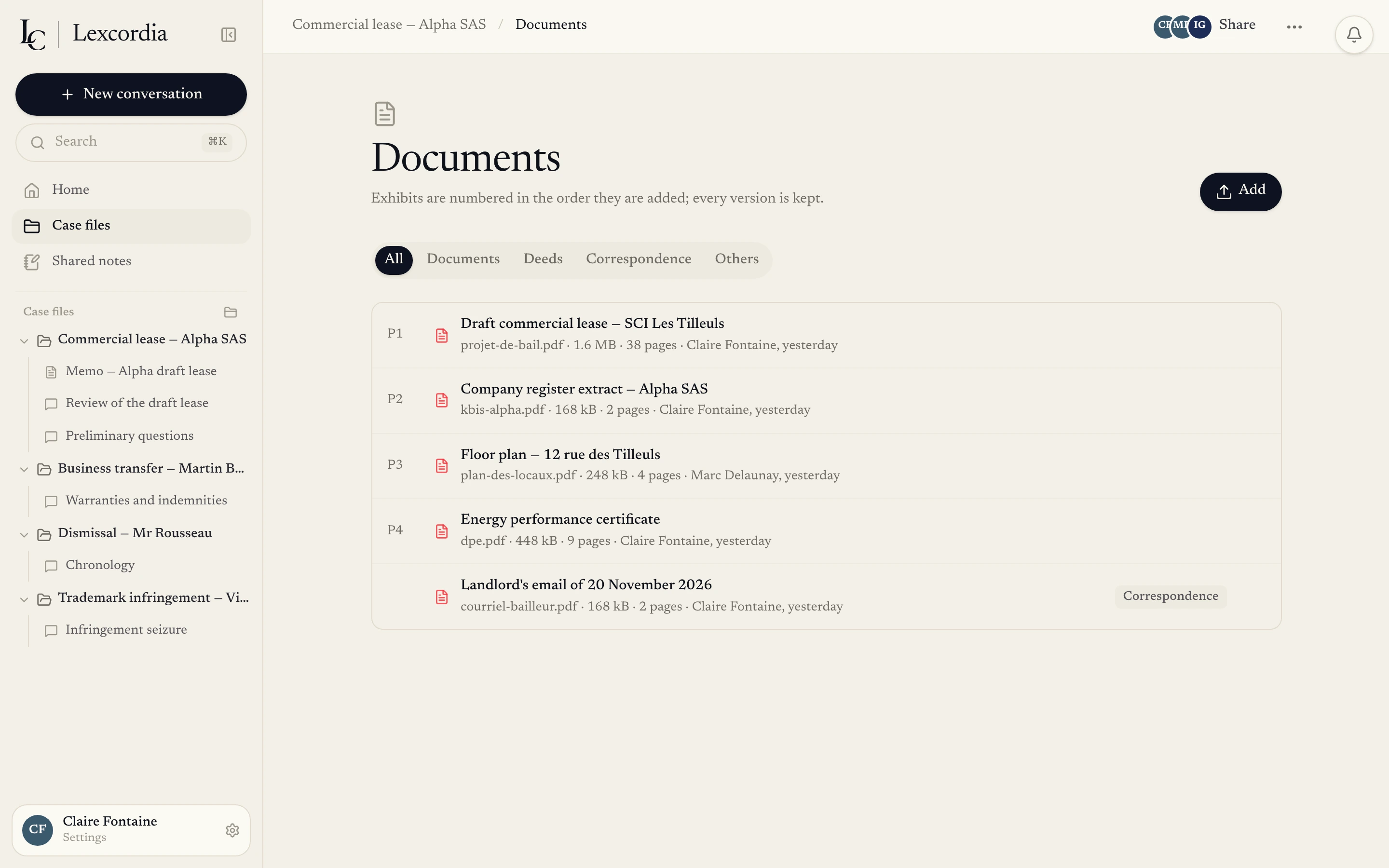
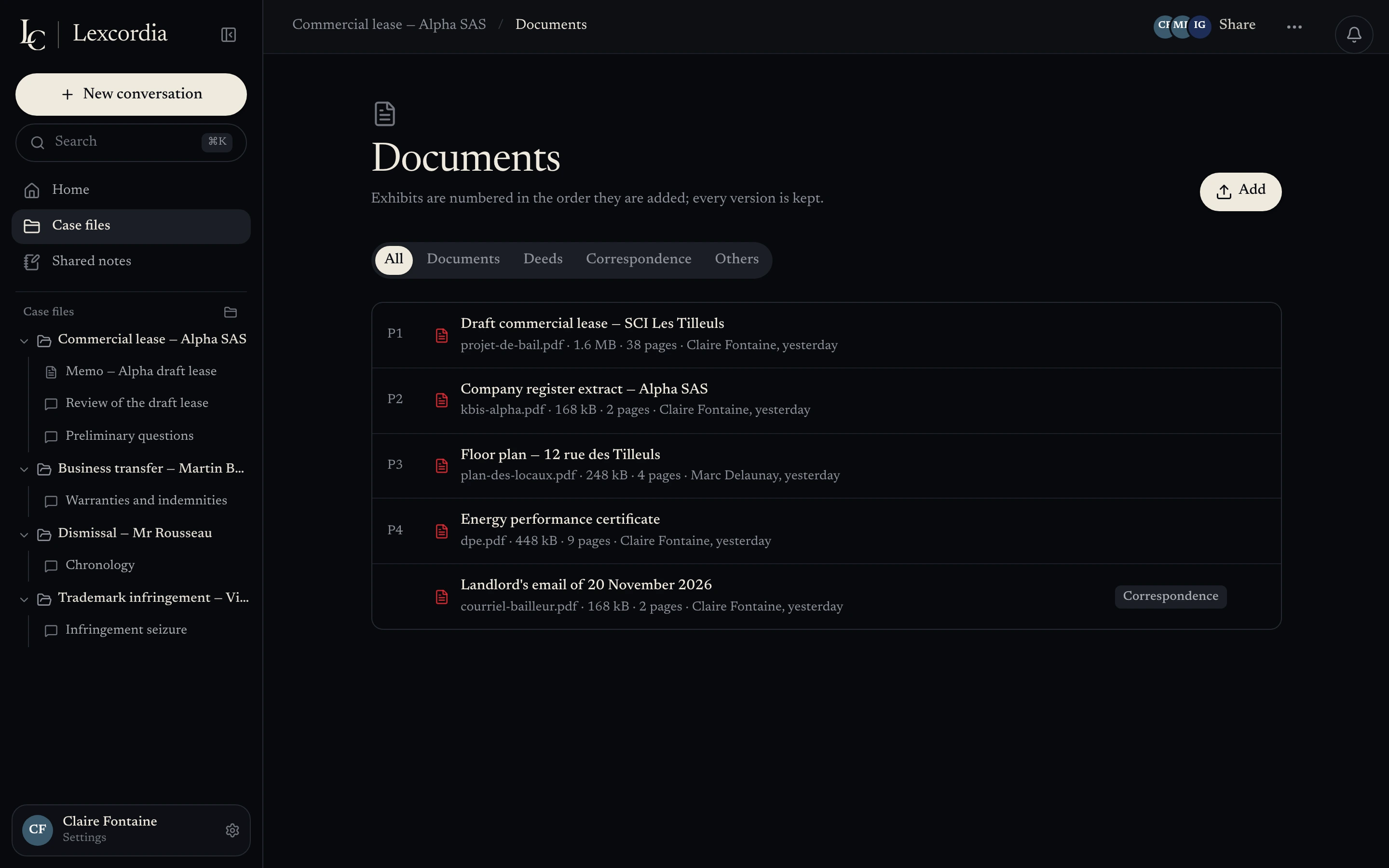
The case file at the centre: documents, exchanges, notes and deadlines. Everyone sees what concerns them.
On Mac and PC
The app on a Mac; a simple browser on any other computer, when the firm works online.
The product
One case file, from question to memo.
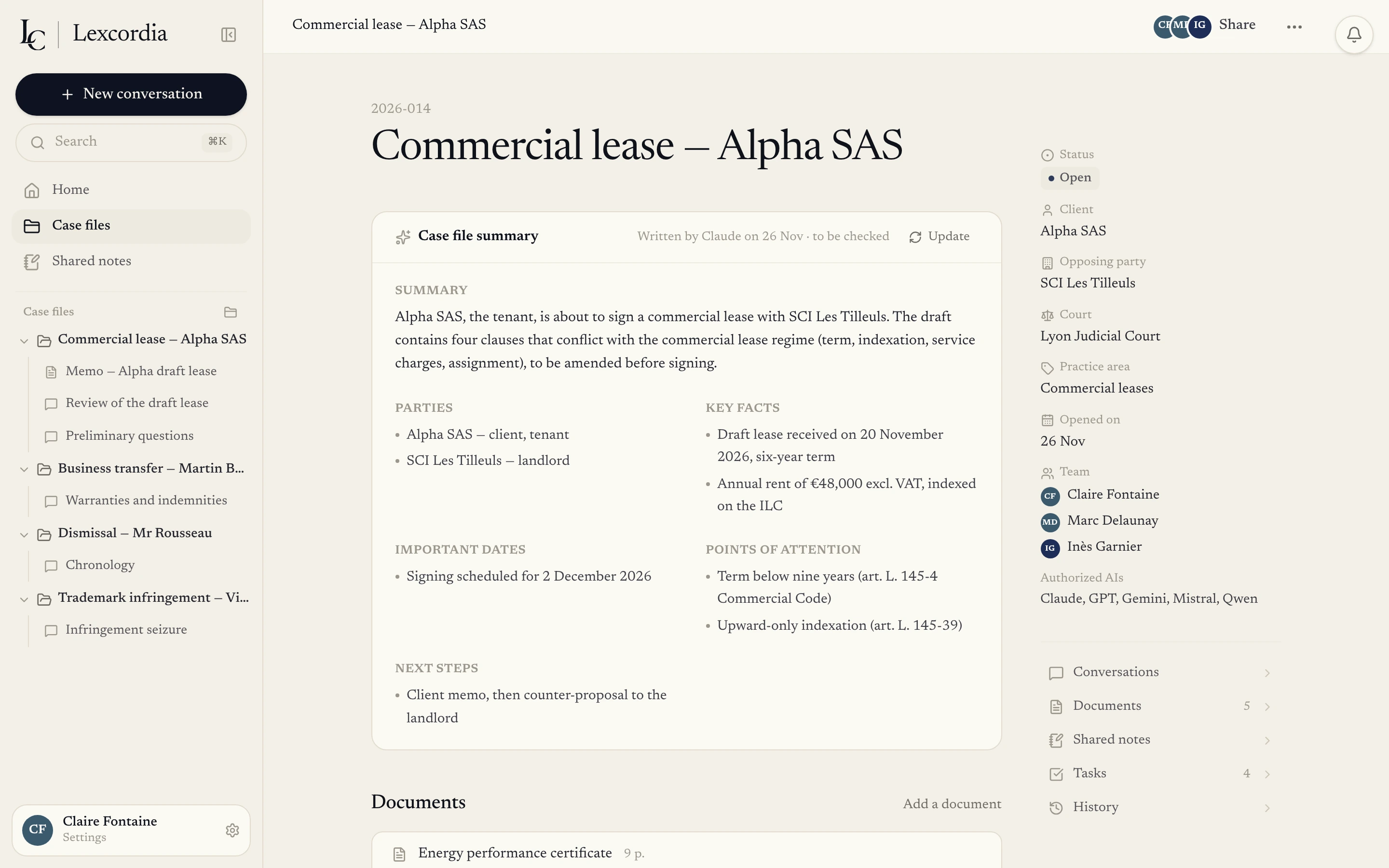
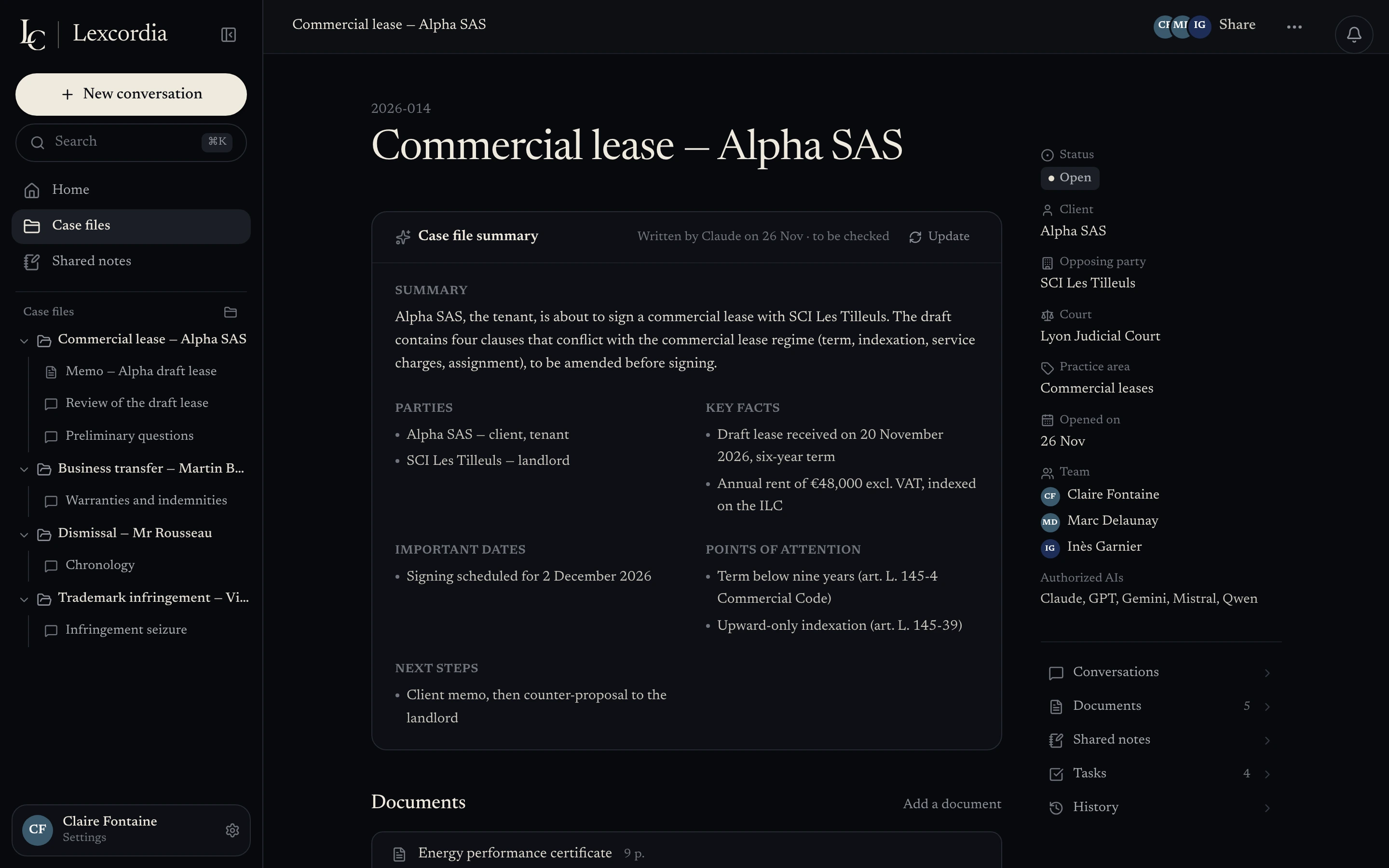
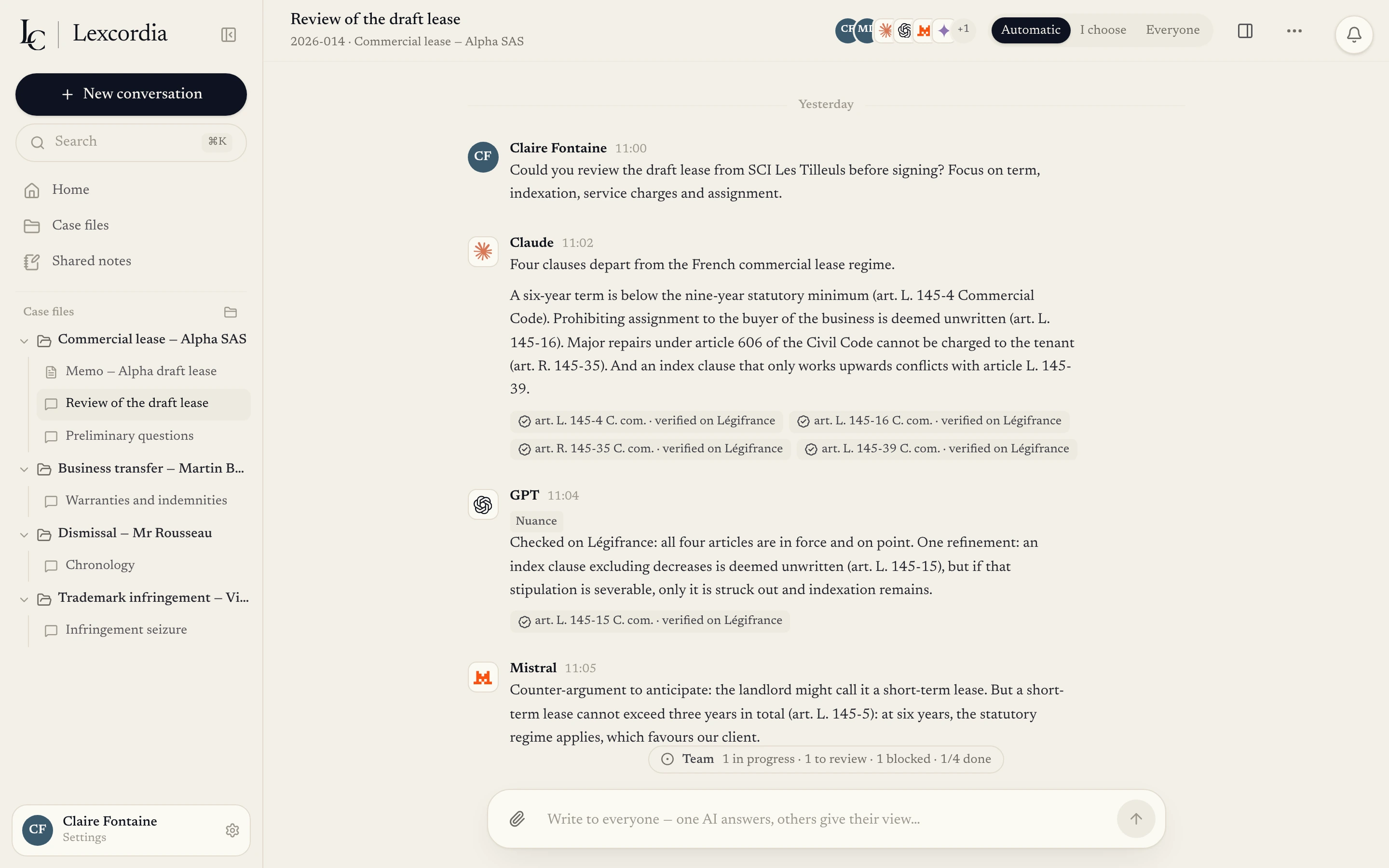
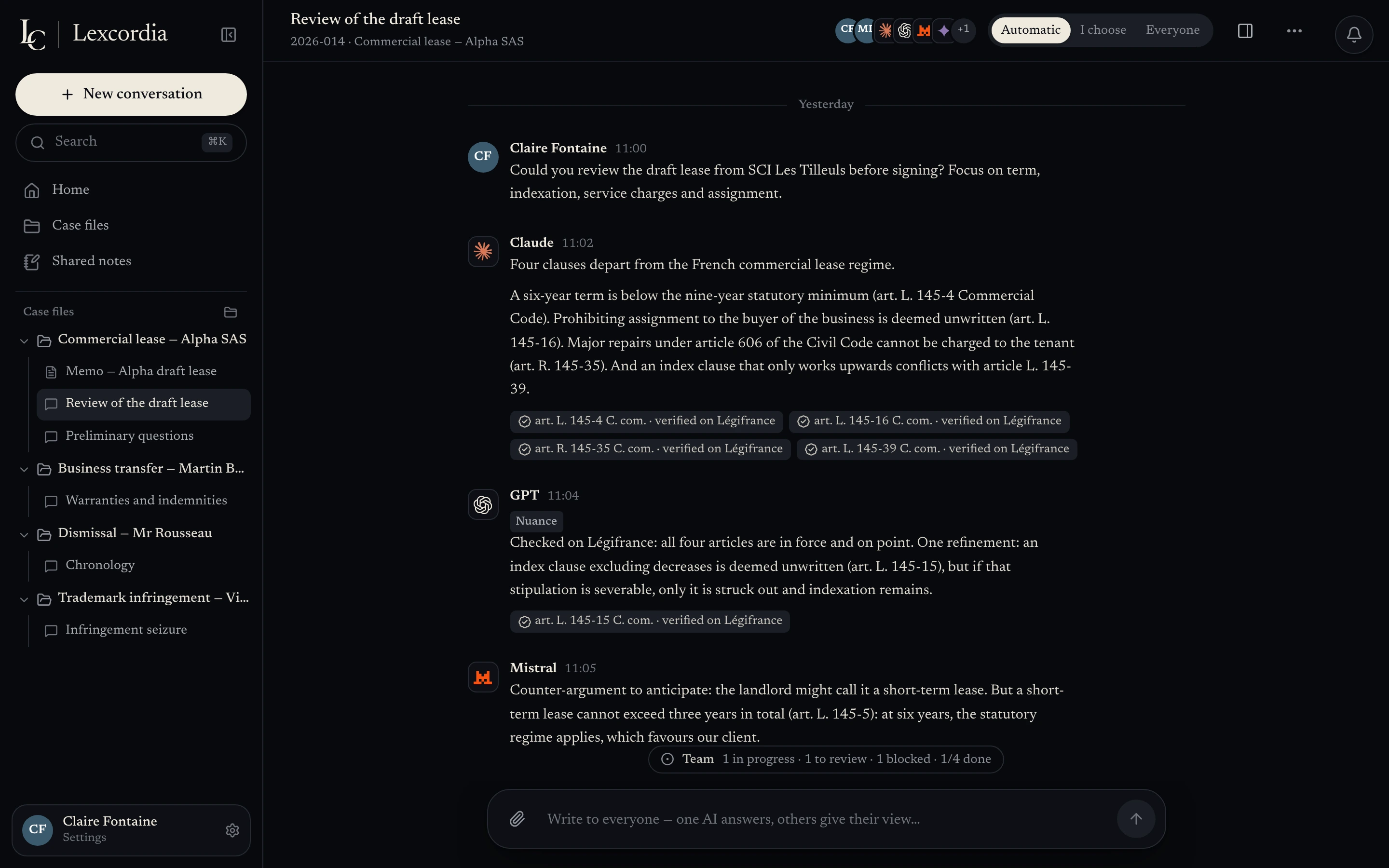
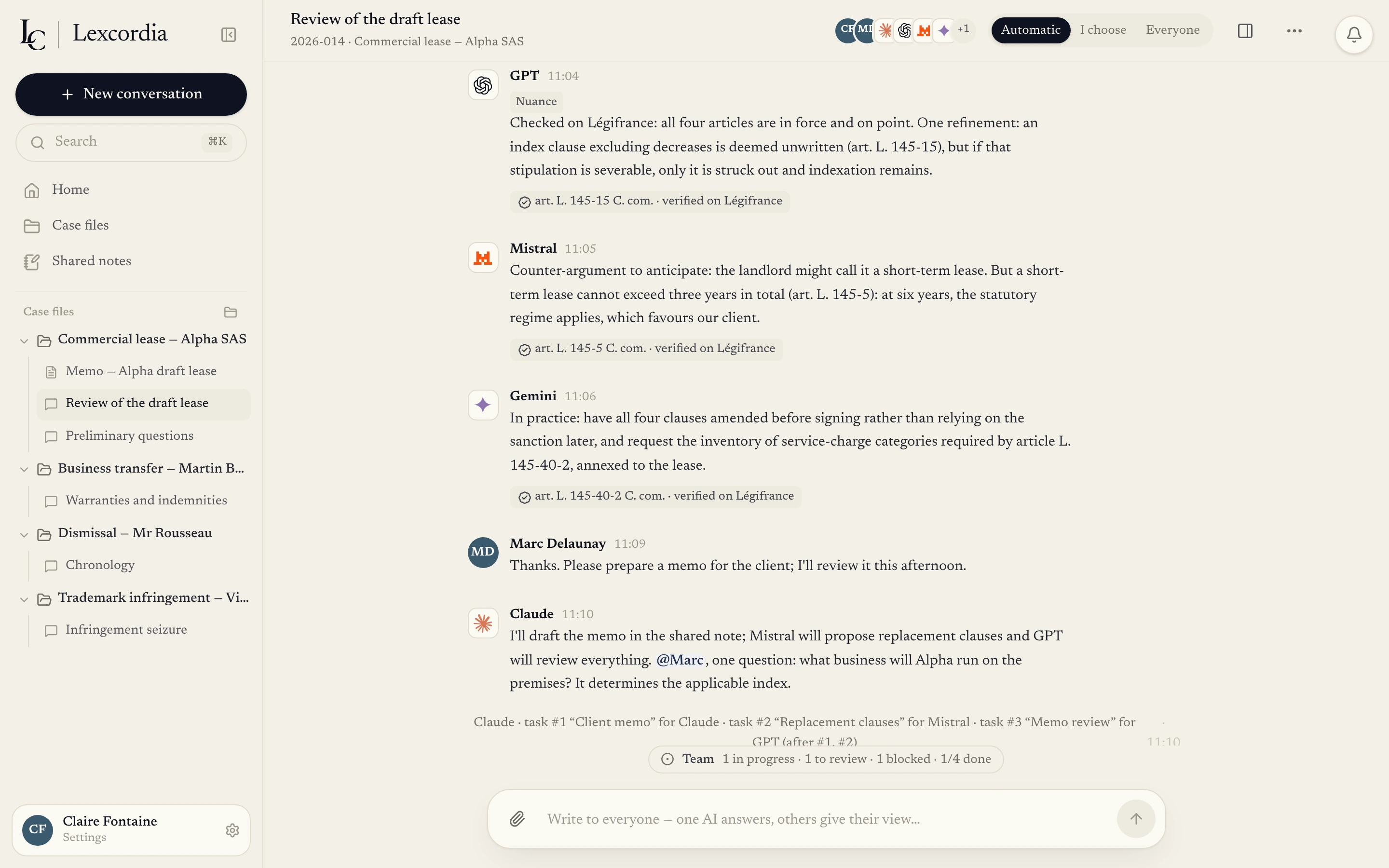
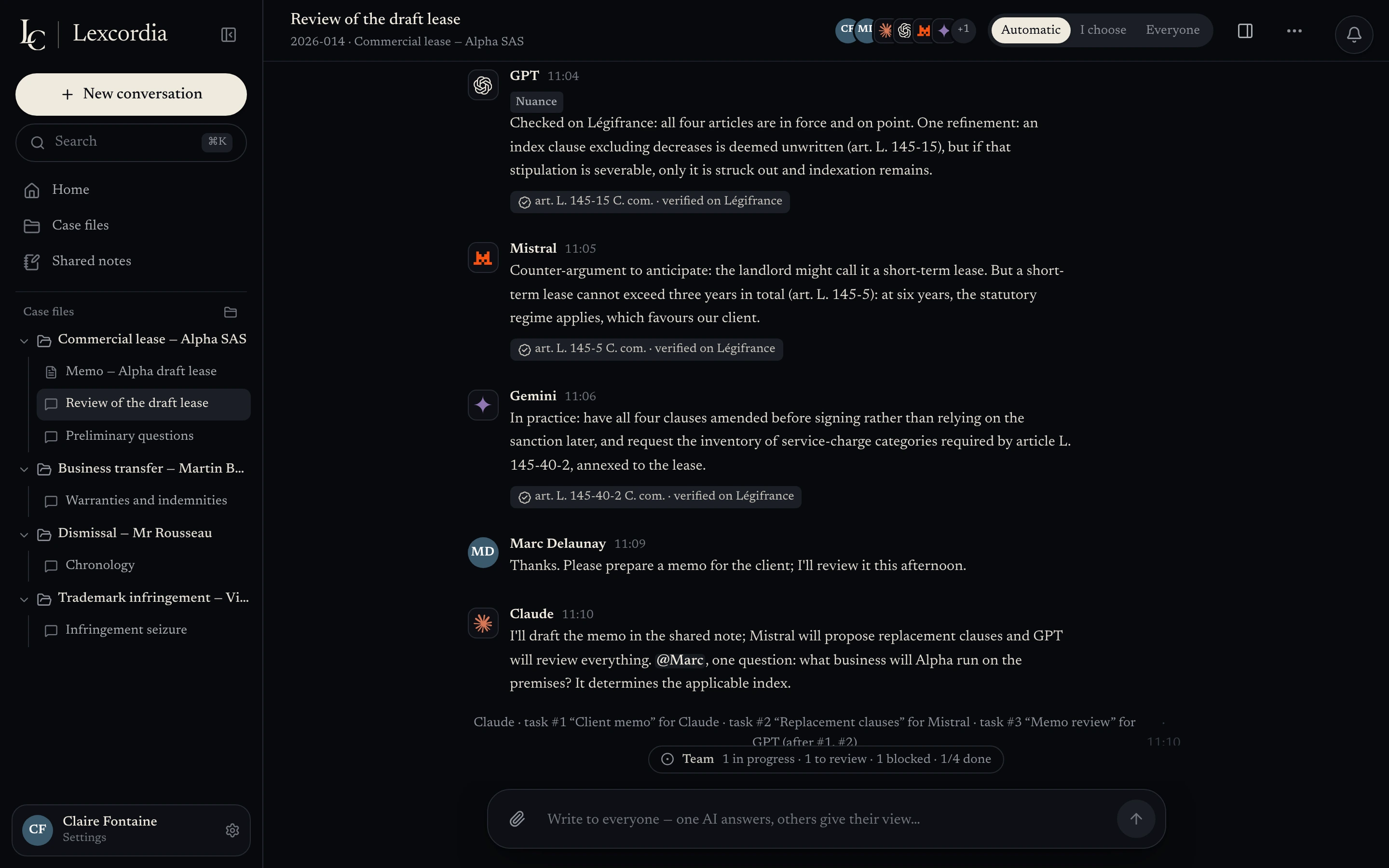
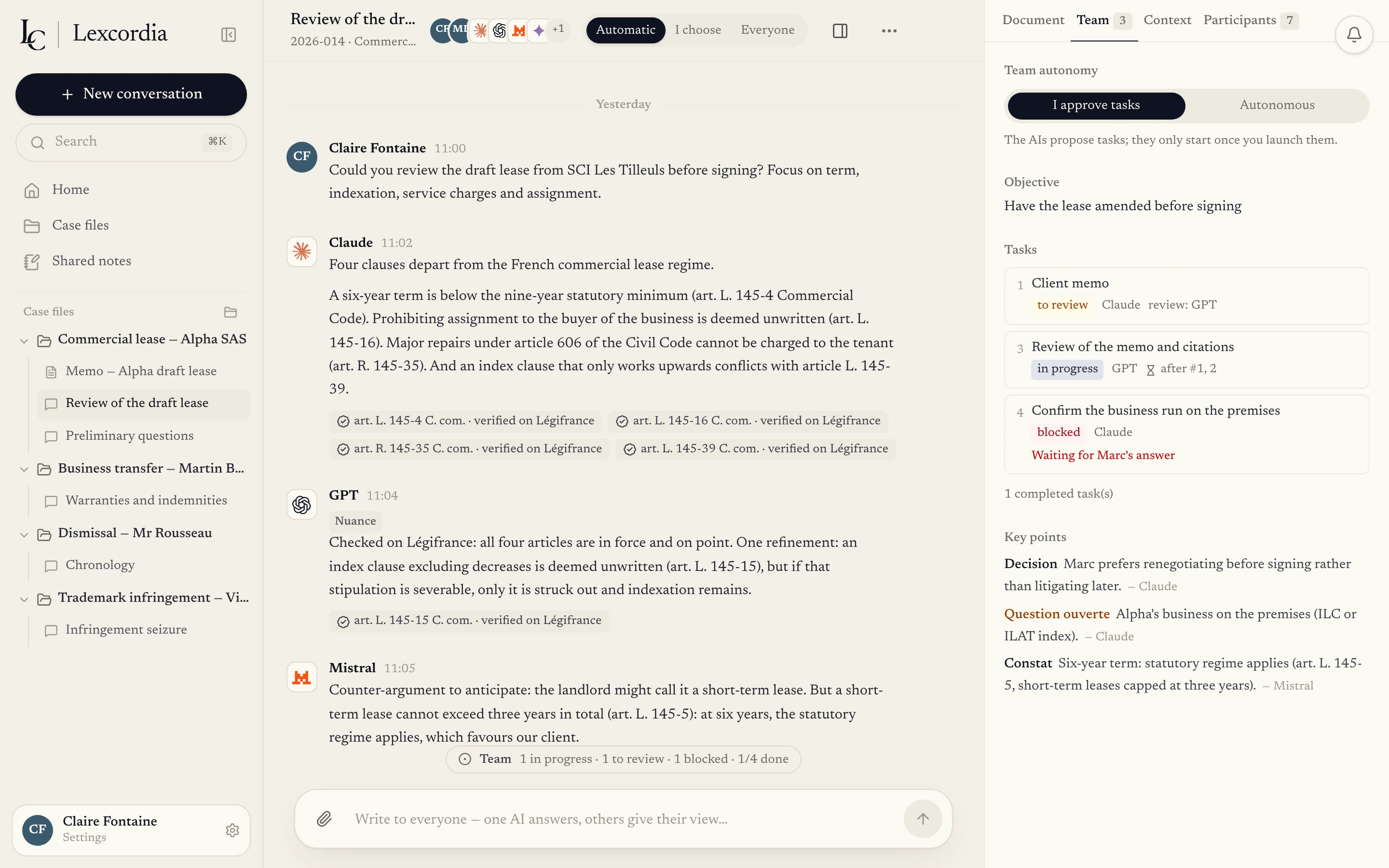
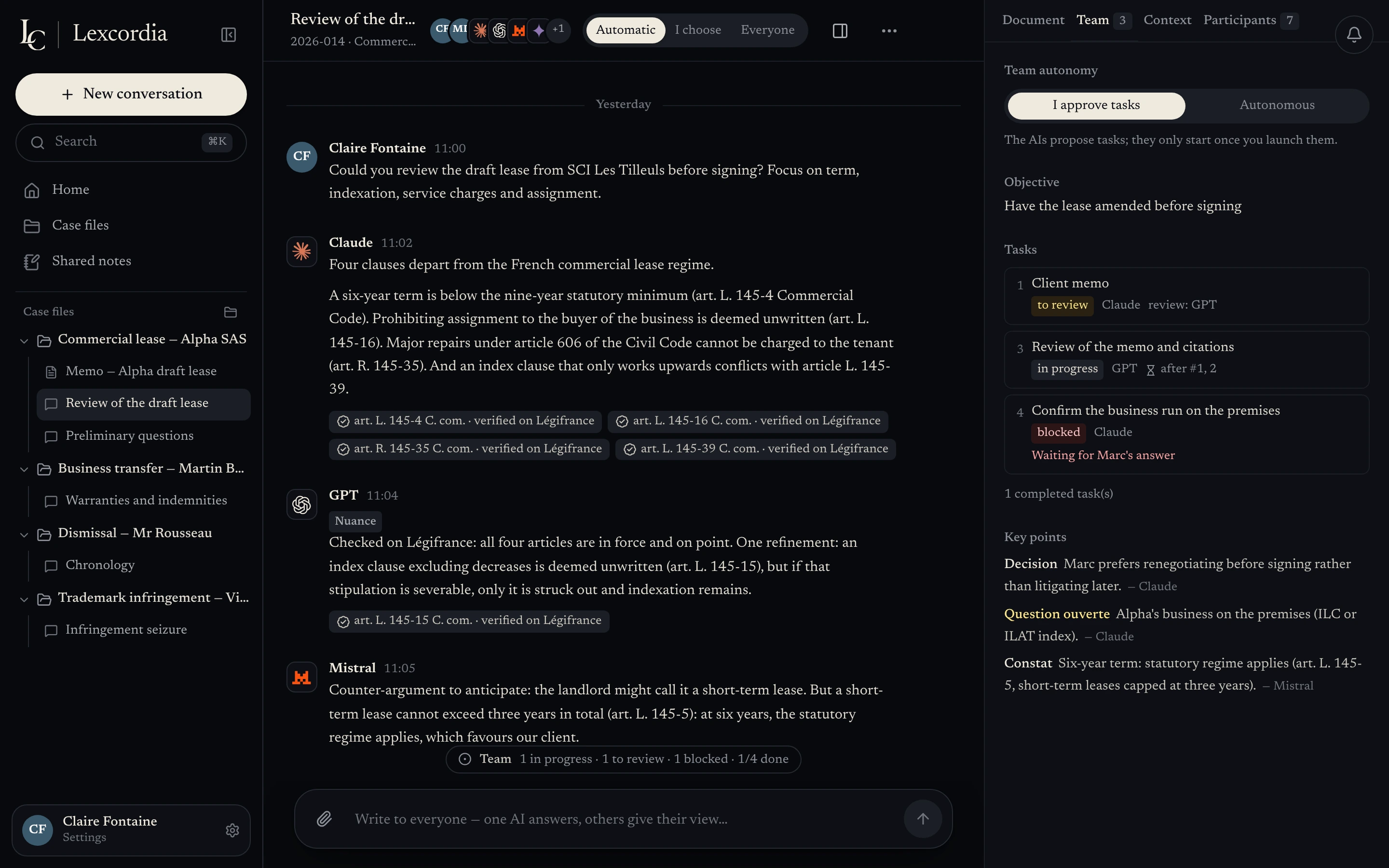
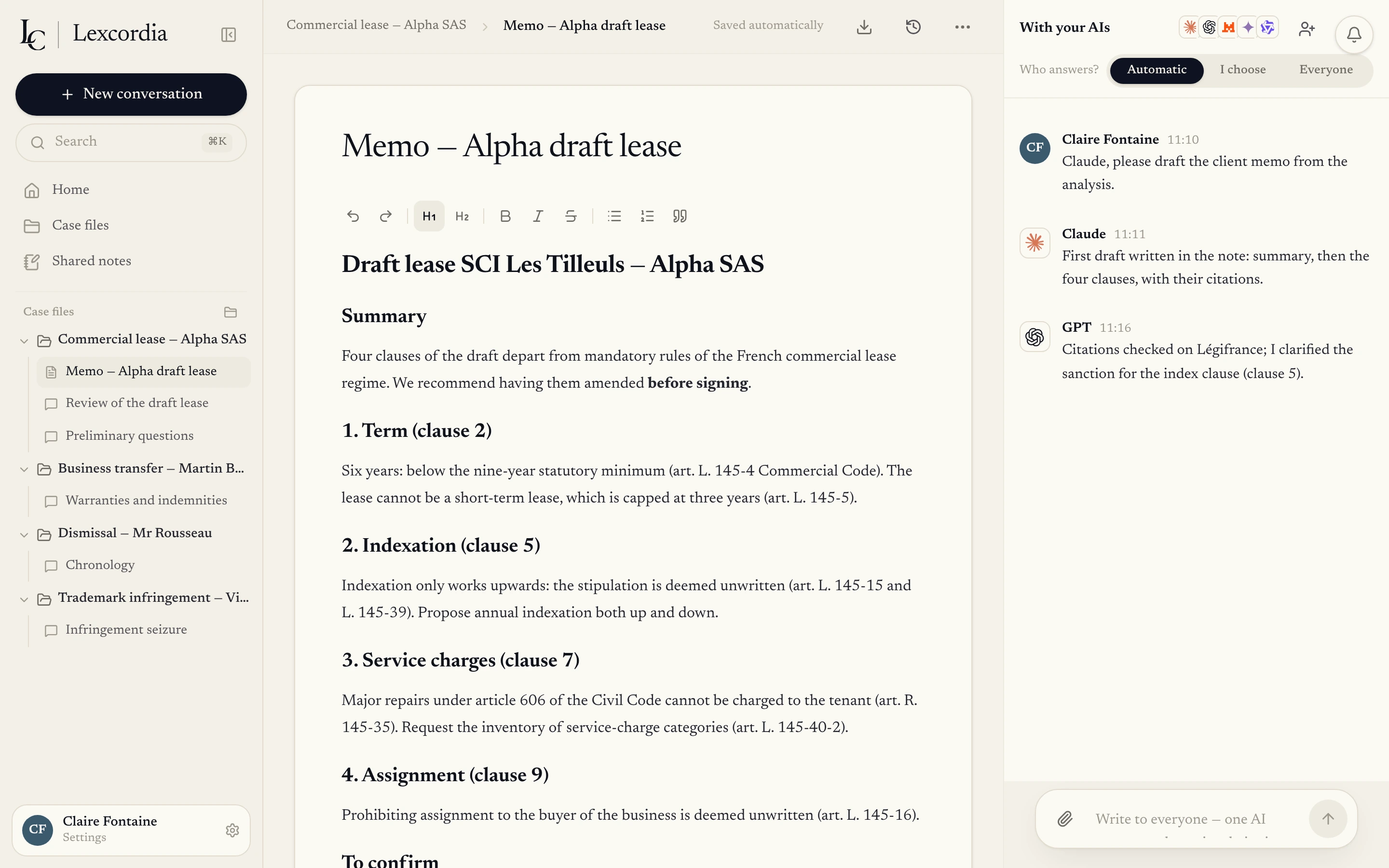
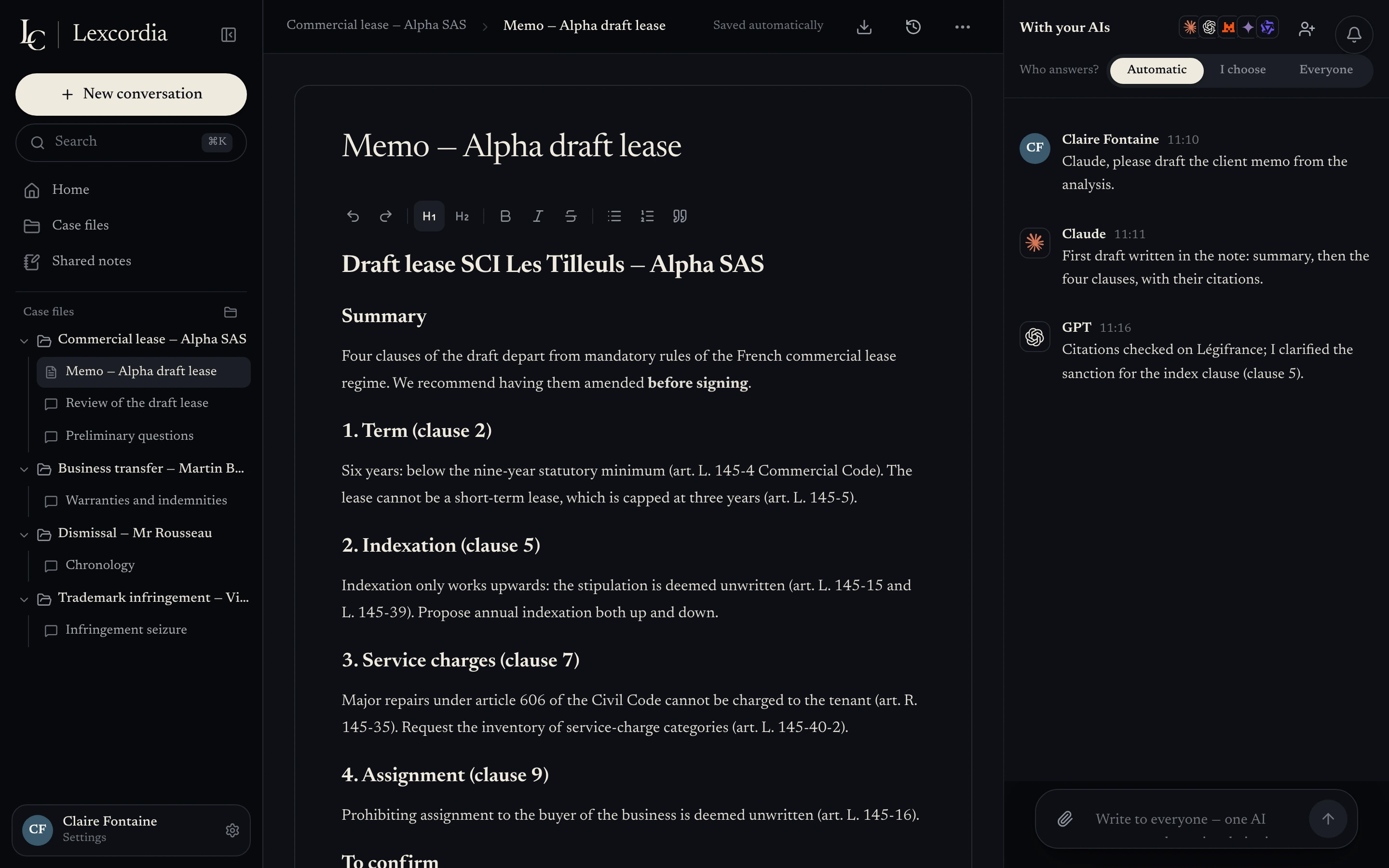
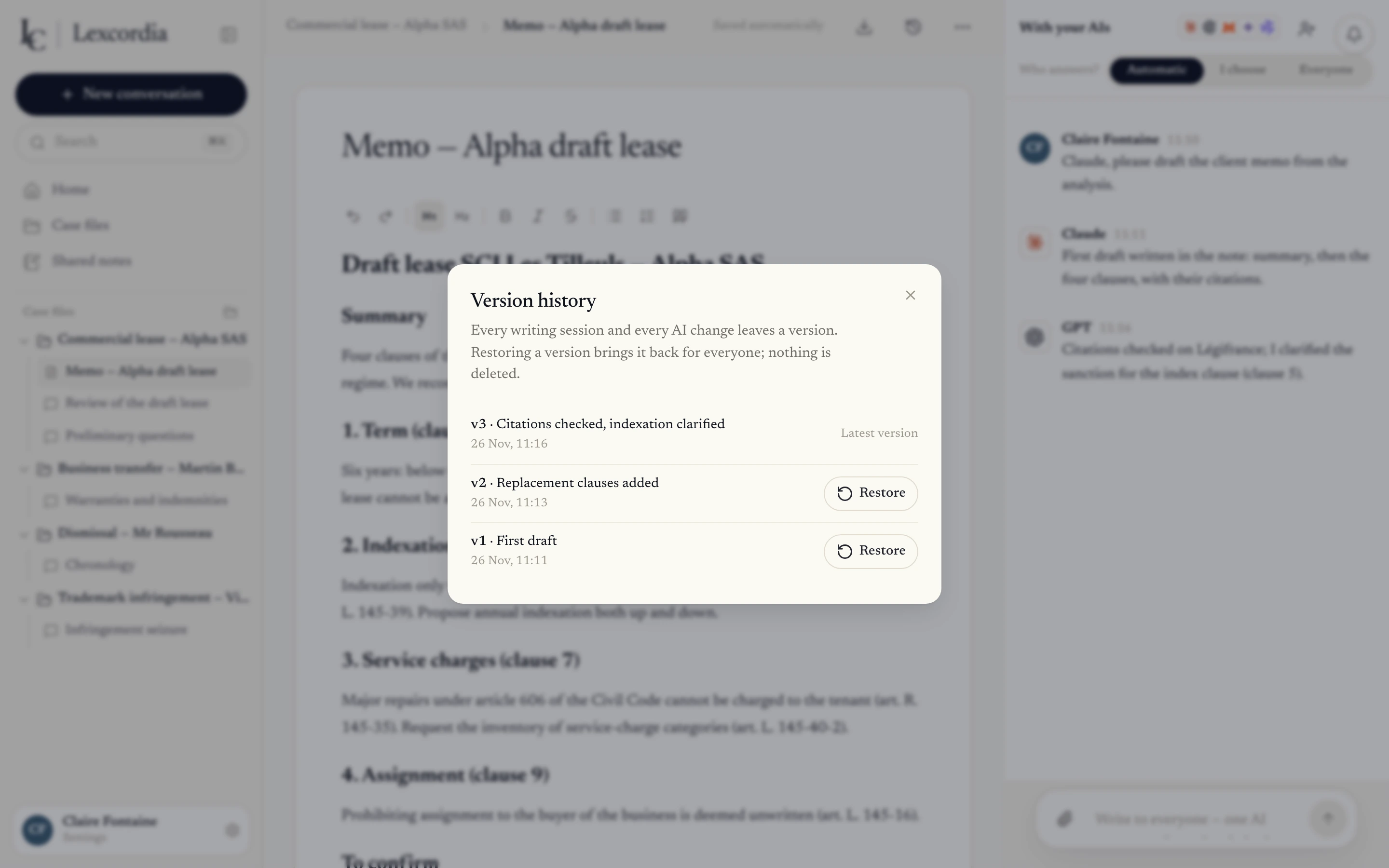
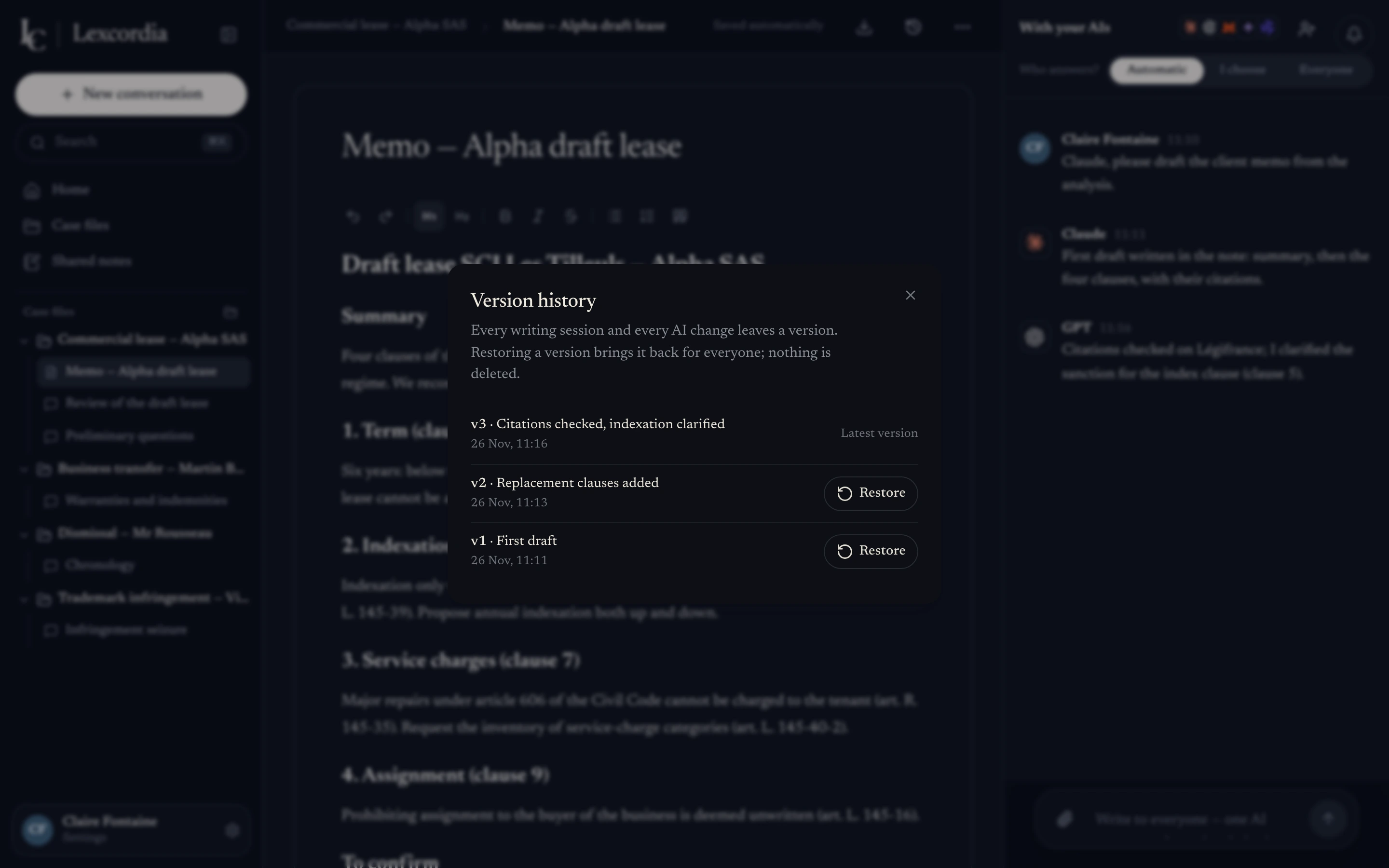
A commercial lease matter, three lawyers, five AI models.
01 · The case file. Documents, exchanges, members: the whole matter, in one place.
Between colleagues
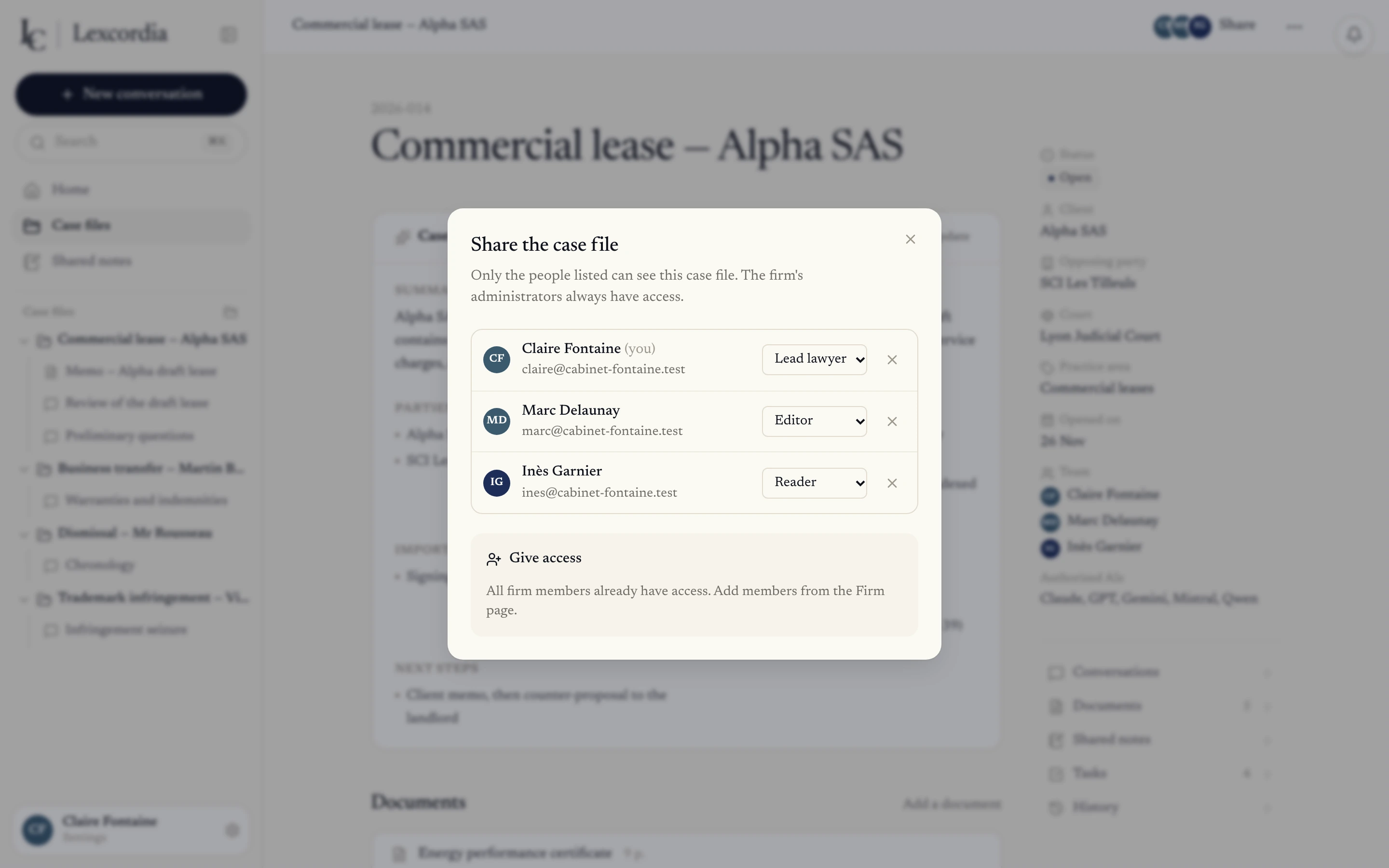
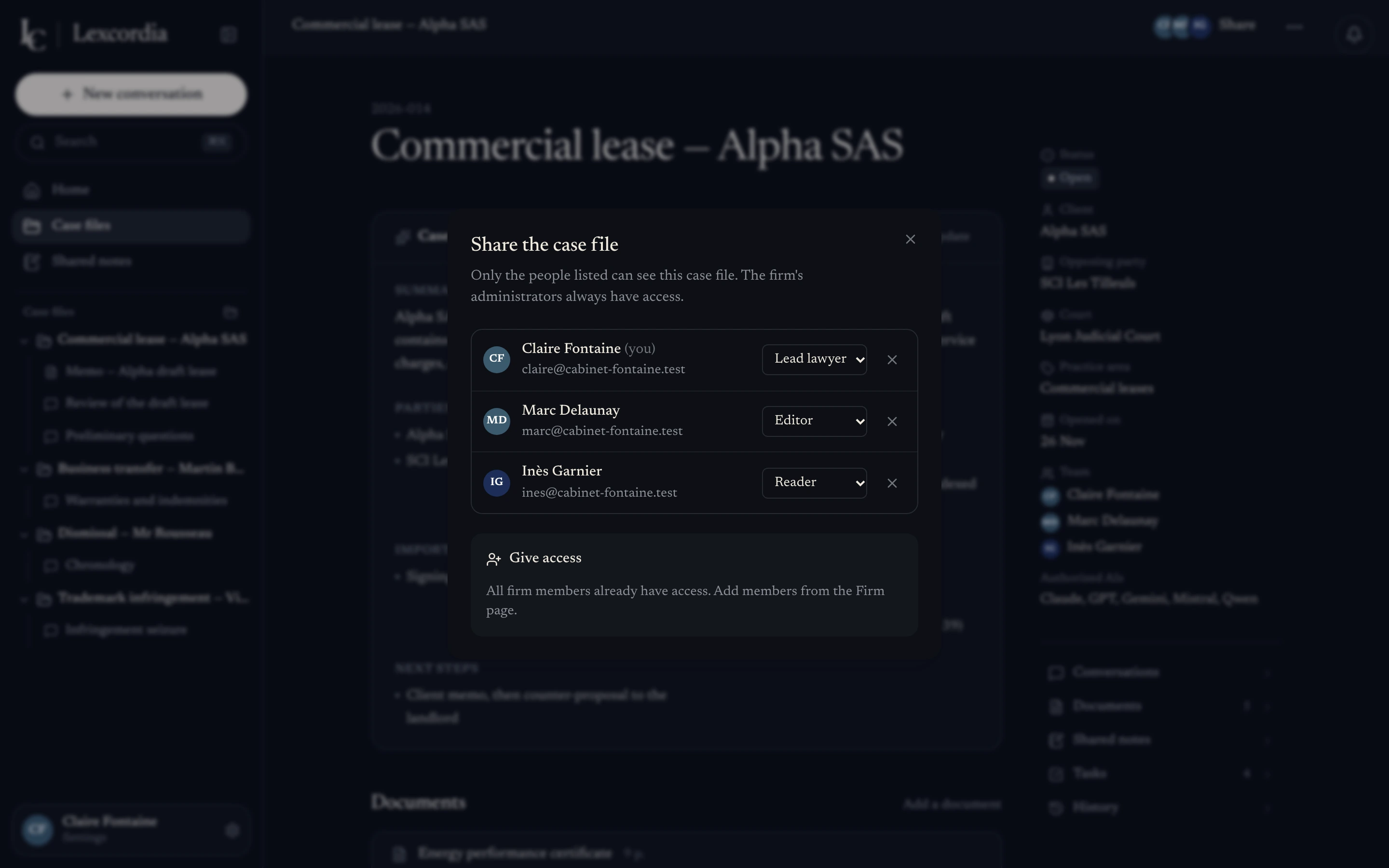
One case file. Several lawyers.
Each in their place, each with their rights.
01 · Rights per case file. Lead lawyer, editor or reader. A case file only appears to those invited to it.
With AI
Several perspectives. One decision: yours.
AI feeds your thinking; it does not replace it.
Several readings
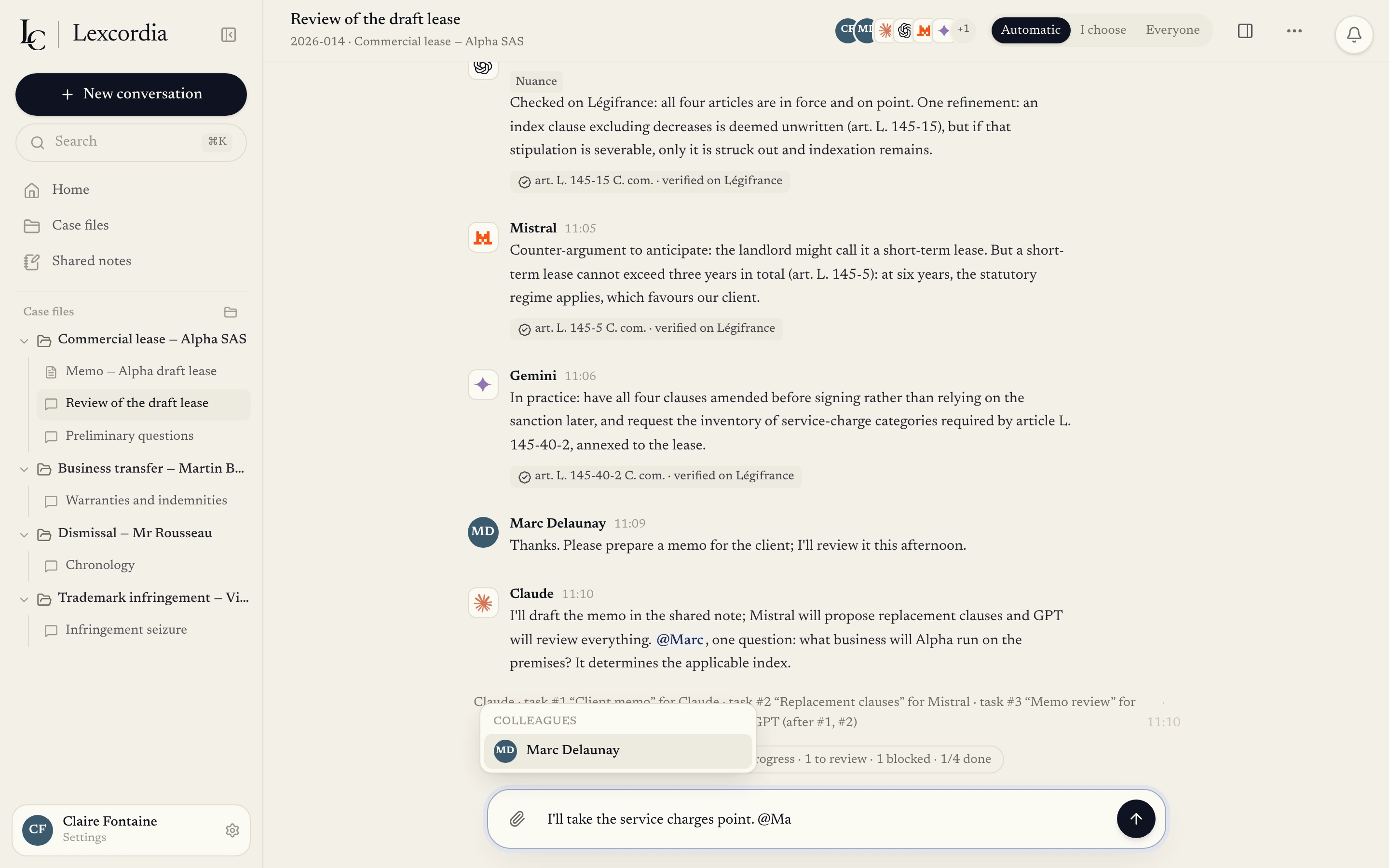
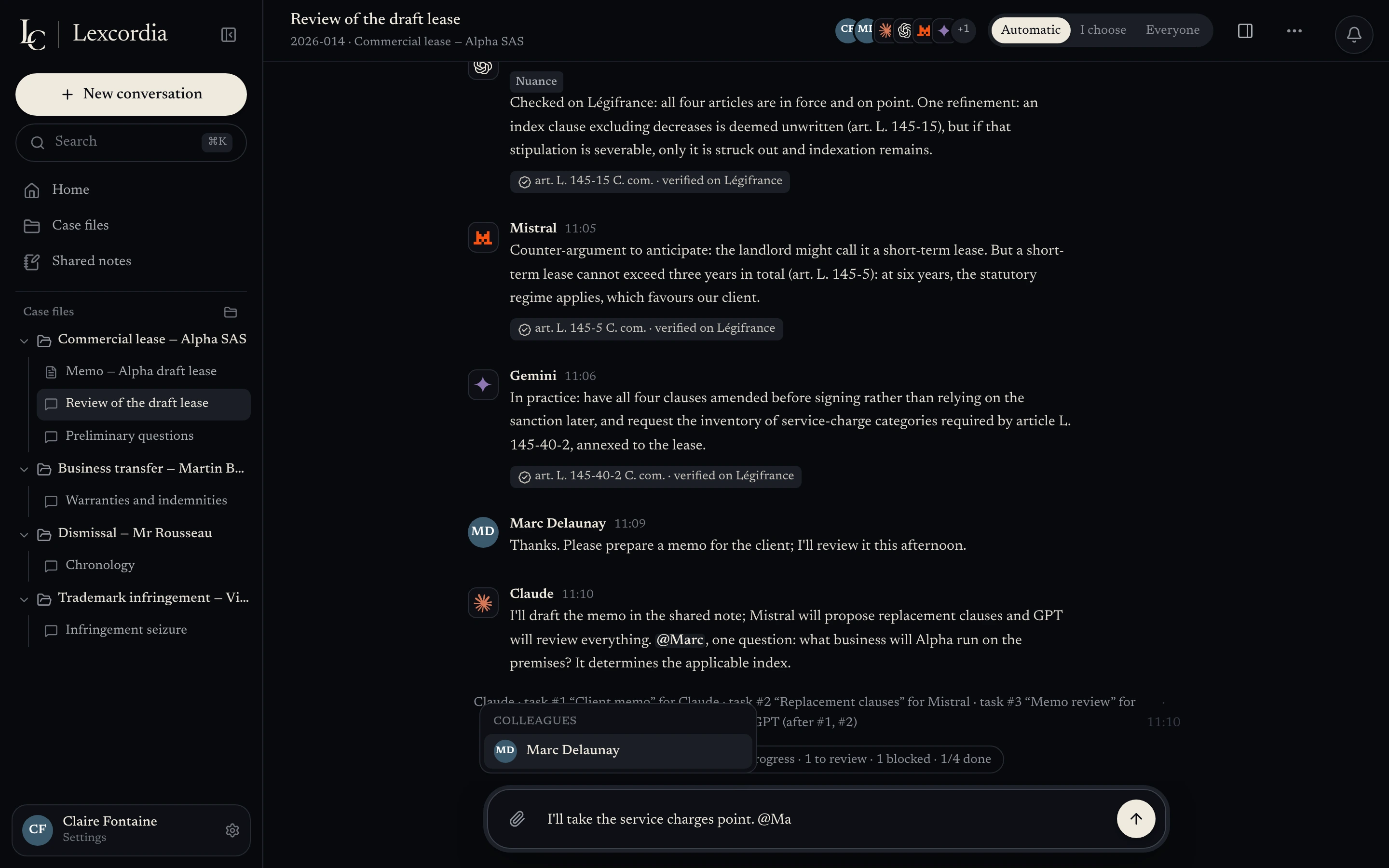
One AI answers; the others review, each from its own angle.
Disagreements in view
What is not settled is recorded, for you.
Sources flagged
Every provision cited is flagged; checked against official sources when access is configured, marked as not verified otherwise.
Your go-ahead first
The AI models wait for your go-ahead, unless you let them proceed.
AI answers are working drafts: they must be checked before any use.
Multi-agent legal AIIntegrations
What connects, and how.
- Direct connection
- Through the provider's official interface, with your access, checked when added.
- Opened by the provider
- The connector exists; the provider must open access for you. Not yet tried with a customer account.
Leading models — Direct connection
- Claude · Anthropic
- GPT · OpenAI
- Gemini · Google
- Mistral · Mistral AI
 Grok · xAI
- DeepSeek · DeepSeek
- Qwen · Alibaba Cloud
Also Kimi, GLM, MiniMax, Perplexity, Cohere, OpenRouter…
Providers' official tools — Direct connection
- Claude Code · Anthropic
- Codex · OpenAI
- GitHub Copilot · GitHub
- Mistral Vibe · Mistral AI
On your Mac, offline — Direct connection
- Ollama · Llama, Gemma, Qwen…
- LM Studio · Open models
Legal AI you can connect — Opened by the provider
 Harvey · HarveyThrough its official API, with the token Harvey issues to its customers.
 Legora · LegoraThrough its official connector, once Legora enables it for your firm.
- Vincent · ClioThrough Clio's official connector, with a Clio Work account.
- Septeo Legal · SepteoWith the Septeo Legal Work plan, at the address Septeo provides.
And any legal AI that publishes an official MCP connector.
Privacy
Your data, precisely.
What Lexcordia does with it, and nothing more.
With you
On your Mac, or on the firm's server. Documents and AI credentials encrypted on disk.
What the AI sees
Its conversation and the documents shared with it. Never other case files.
Who receives what
What you entrust to an online AI is processed by its provider, under its terms. An AI running on your Mac sends nothing out.
Guarded access
Two-factor authentication, rights per case file, guests with limited rights.
FAQ
Frequently asked questions
What is Lexcordia?
A workspace for lawyers and legal teams: several AI models and the firm's case files in one interface, with the conversations, documents, shared notes and tasks of each matter.
Do I have to change tools?
No. Lexcordia uses your access to AI models and sits alongside your software; legal AI tools whose provider opens access connect to it.
Does it work on a PC?
On a Mac, with the app. On any other computer, Windows included, from a browser, when the firm works online on its own server: case files, conversations, notes and tasks are available there; each lawyer's personal AI connects from the Mac app.
How does Lexcordia connect to AI models?
With your own access: the provider's official tool installed on your Mac (Claude Code or Codex, for example), or an “API key”, an access code the provider gives you. Usage is billed by the provider; Lexcordia applies a monthly cap to each connection and never exceeds it without your consent.
Can I use AI without sending anything outside?
Yes, with a free model that runs on your Mac, through the Ollama or LM Studio apps. Less capable than the large online models, these models let nothing leave the computer.
Where is my data? Is it encrypted?
On your Mac, or on the firm's own server. Documents and AI credentials are encrypted on disk; the database itself relies on the disk encryption of the computer or server. Conversations are not end-to-end encrypted: the software has to read them to pass them to the AI models you authorise.
Can several lawyers work together?
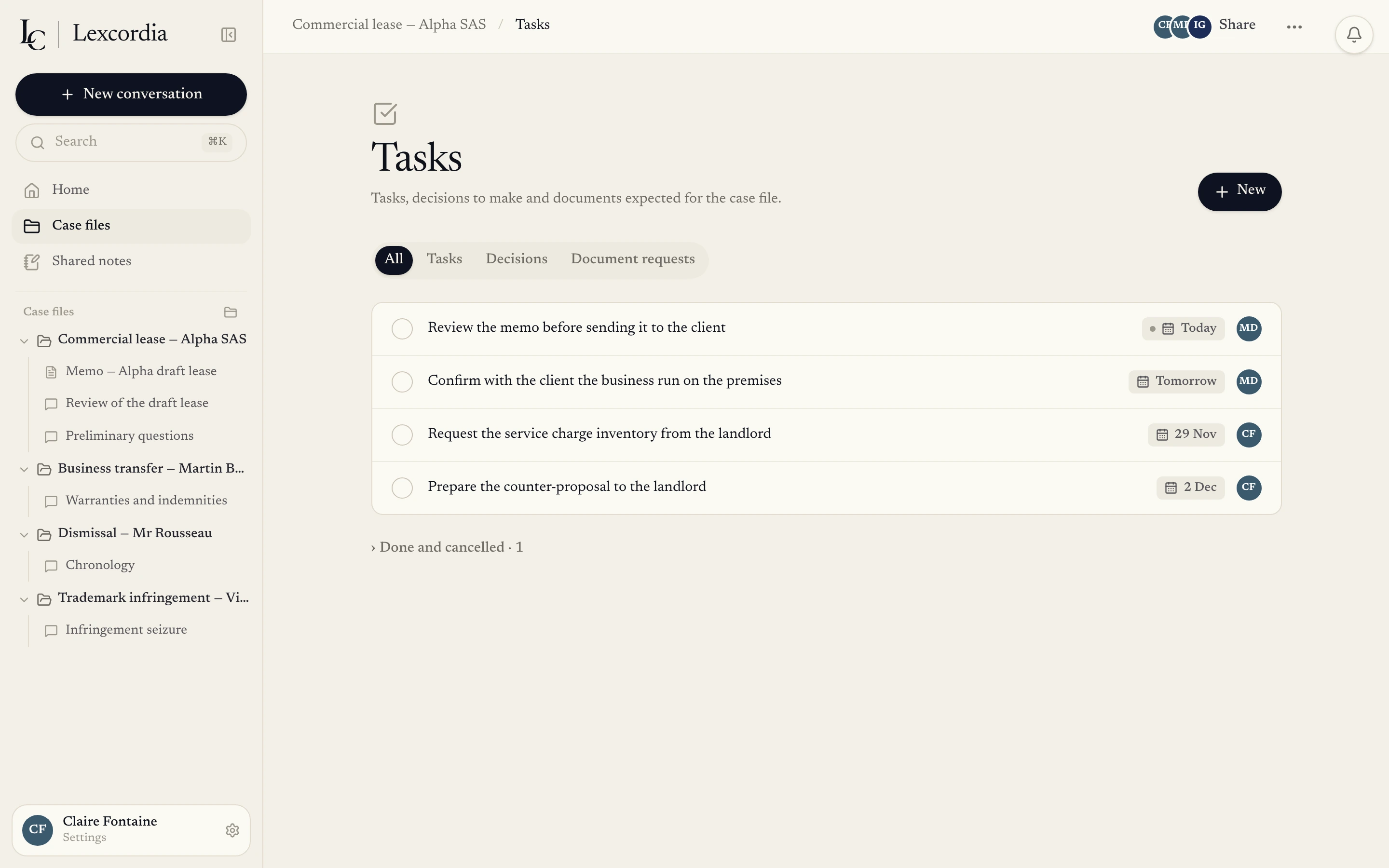
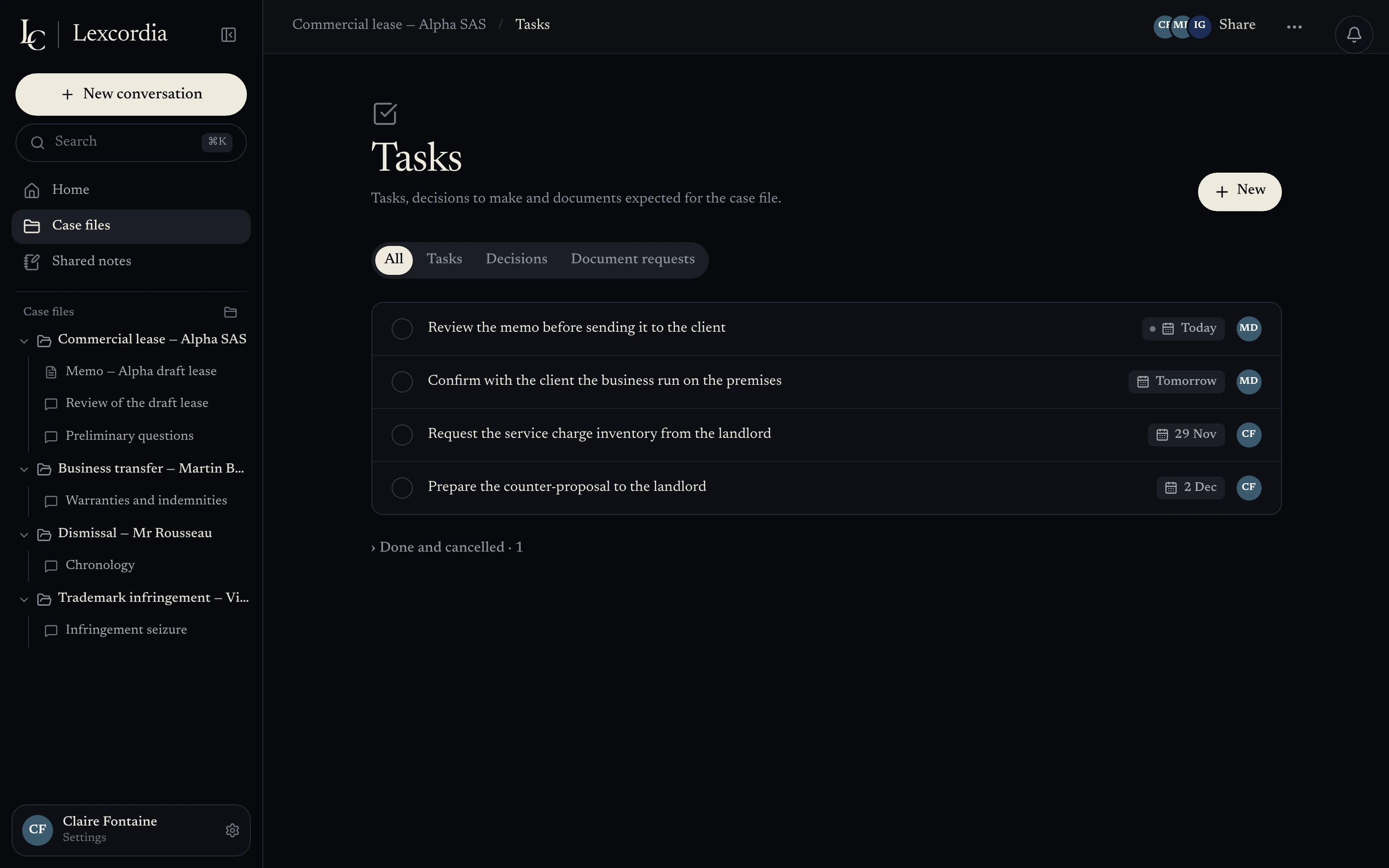
Yes: shared case files with rights per member, exchanges between colleagues, notes written together, tasks assigned with due dates. On different computers, this runs through the firm's own server.
Which legal AI tools are supported?
Harvey, Legora, Vincent (Clio) and Septeo, through their official connector, when their provider opens access for you, as well as any legal AI that publishes an MCP connector. These connections have not yet been tried with a customer account.
Can the AI models be wrong?
Yes. Having other models review an answer catches some errors, and citations are flagged under each answer; it never replaces checking.
Is Lexcordia available in French?
Yes. The interface is in French and English, and each AI replies in the language of the lawyer writing to it.
Let's see whether Lexcordia suits your firm.
A demo on a fictitious case file, built around your questions.
“Write to us” opens your email app.